Order
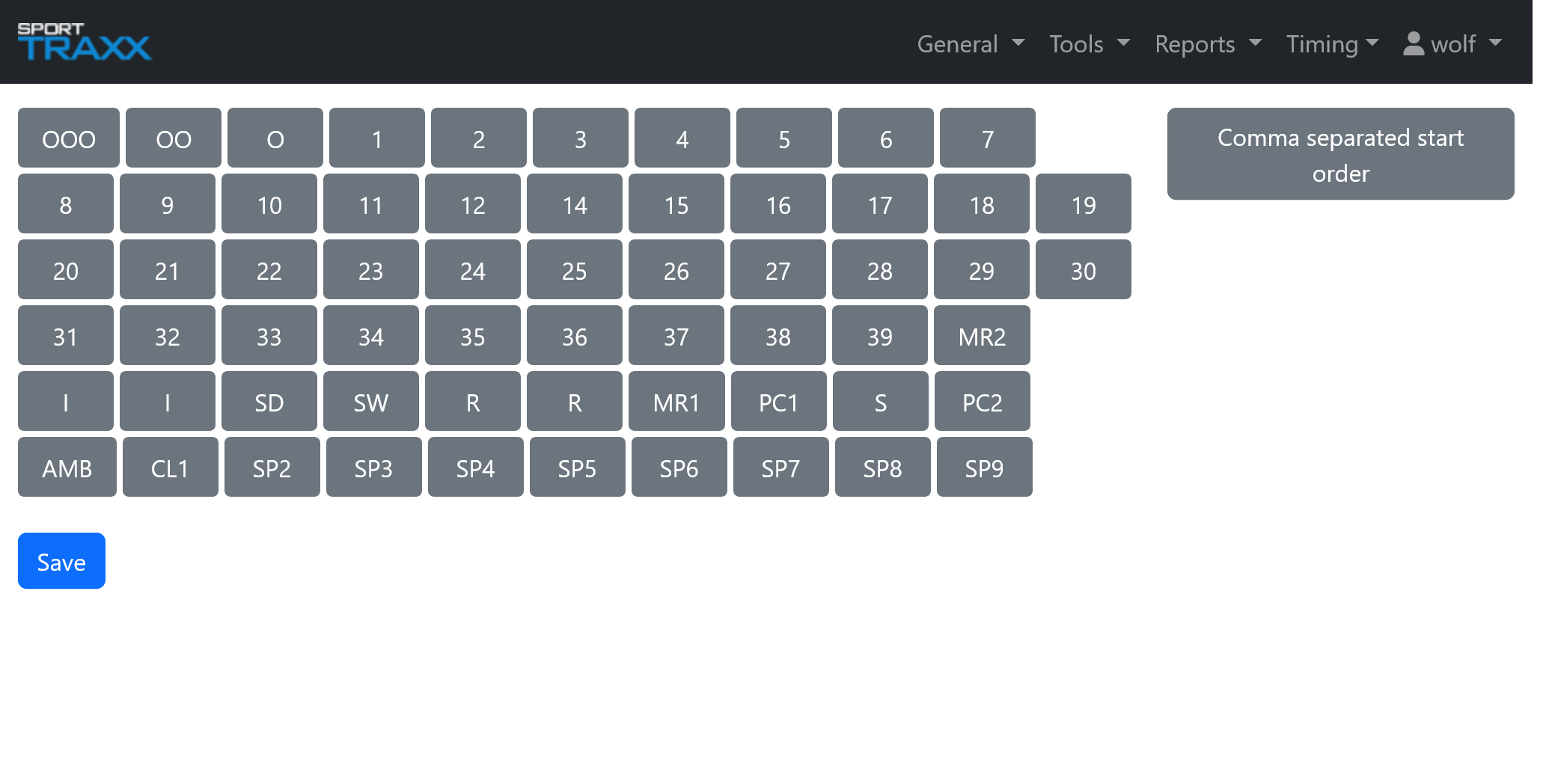
This page allows to sort the vehicles according to the starting list. It works for Overview2 and TP pages.
Use
- Drag and drop the vehicles in the desired starting order.
- Always confirm with the save button at the end of the list, after each change.
Alternatively you can use the Comma separated start order button in the top-right corner of the page and edit the list manually by typing the numbers separated by a comma, or line by line.